


William Foster 2026-11-11 6 Min Read
How Website Content Can Be Turned into Professional Presentations with Kooko
Content is used in several ways. Blogs and articles on websites are one of the most famous use cases. However, it is not the only way to share information. Nowadays, content is also used in webinars, training sessions, and product launches.
However, it takes a lot of time to convert website content into presentation slides. Writers have to identify key points from the website content for creating appropriate slides. They also have to design visuals, charts and graphs manually.
**AI content tools for WordPress** provide the much-needed organization. They also save you from manual labour while saving your precious time. In just a few seconds, they can deliver exceptionally crafted visuals and concise slides for an effective presentation.
In this article, we will discuss the benefits of content repurposing and how you can transform WordPress pages into presentation slides with AI. So, let’s begin.

## Why Content Repurposing Matters Information is no longer consumed in blog post or article form only. Content repurposing helps in using the same content you have already created and use it to create other forms of content such as presentations, newsletters, or video scripts.
Content creation is a lengthy process. When you create content from scratch, you delve into research, SEO, fact-check and designing visual aids, among other things. Businesses can extract more value from their content by resorting to content repurposing.
Content repurposing saves a business from creating different types of content on the same topic. Rather, businesses focus on creating one core, excellent resource and then simply repurpose it as per their use case. This way, it reduces workload and adds to their productivity.
Similarly, when you repurpose content, your brand identity stays consistent as you are using the same resource as the backbone of your content. Overall, content repurposing is an excellent choice for content managers and agencies.
## Why WordPress Articles Are Difficult to Present
WordPress articles are written for a unique audience. Therefore, its purpose is also different. The purpose of website content can be explaining a topic in depth, answering users' queries, or ranking on search engines. The content type of WordPress articles is detailed and descriptive. They range between 1000-2000 words, including long paragraphs. They also include examples and FAQs.
On the other hand, presentation slides are a direct and brief form of content with visuals to engage the audience in a live environment such as trainees, potential clients or customers. Therefore, it is hard to manually turn WordPress articles into presentations.
The table below shows the key differences between the two content forms:
|**Feature**|**WordPress Article**|**Professional Presentation**| |-|-|-| |**Primary Purpose**|To rank on search engines|Support a speaker and communicate key ideas swiftly| |**Information style**|Explainers; how-to articles|Bullets, summaries, takeaway pointers; graphics, and visuals| |**Content Length**|1000- 2000+ words|10-20 concise slides| |**Content Structure**|SEO-focused with headings, subheadings, and FAQs|Story-driven flow with a clear beginning, middle, and end| |**Audience Interaction**|Readers consume content at their own pace|Audience views slides in real time during a presentation| |**Call to Action**|Encourage readers to explore, subscribe, or purchase|Inform, persuade, or support decision-making|
## How AI Converts HTML into Professional Presentations

AI tools are widely used to convert website content into professional presentations.
AI content tools for WordPress do so by first reading the HTML and identifying key elements such as headings (<h1>, <h2>), paragraphs (<p>), lists (<ul>), images, charts, and videos. AI builds a Document Object Model (DOM) based on this identification.
In the next phase, AI content tools for WordPress scan all the elements of website content and identify the important ones. For instance, AI determines the main topic, supporting details, statistics, and examples used in a particular article.
Next, AI splits the content into slides based on its analysis of the entire website content. It keeps only the relevant ideas. Verbosity and repetitive supporting details are automatically removed. AI content tools for WordPress are also designed to prepare one slide for each key idea. As a general standard, AI creates a slide containing a heading and 4–6 bullet points. Overall, AI tools can turn your 1,500–2,000-word article into a professional presentation of 10–20 slides comprising a title slide, introduction, problem, solution, benefits, case study, and other relevant slides, depending on the type of article.
Thereafter, AI content tools for WordPress apply design elements such as layout, typography, and color patterns that best suit the intent of the HTML content.
Lastly, AI tools draw on the overall HTML content to prepare relevant visuals such as images, infographics, tables, and charts that form the backbone of any presentation.
## Use Cases of AI AI has multiple use cases for WordPress agencies. AI can be used as [AI Workspace for content teams](https://kooko.ai) to create a one-stop platform for content repurposing, and that too with speed, accuracy and a touch of creativity. Some use cases of AI content tools with respect to content repurposing of website content to presentation slides include training, product launches, sales and webinars.
### Training Blog posts, articles, and user guides form the key part of website content. AI content tools for WordPress can help repurpose it into slides, and thereby a professional presentation. AI takes key concepts, presents them with brevity and adds visuals that make the content easier to understand and deliver for trainers.
### Sales Sales teams need persuasive presentations that explain products and services clearly while addressing customer pain points. AI content tools can create compelling sales decks using website content, including service pages, testimonials, and pricing information.
### Webinars Webinars require presenters to showcase information in a brief and engaging manner. AI for WordPress agencies can repurpose blog posts and other website resources into valuable webinar presentations. [All-in-one AI tools for agencies](https://kooko.ai/) work by extracting the core message and important data from a website and turn it into useful charts and infographics in the form of engaging slides giving a perfect final product for webinars.
### Product Launches When you are launching a product, it is important to deliver your brand message in a brief yet clear manner. By repurposing website content into powerful slides, AI content tools do this job perfectly for you. Powerful visuals, infographics, punchy slide headings, and to-the-point slide bullets address the issue directly and create brand awareness and projection much better. For launch events, media briefings and investor meetings, marketing teams can quickly use AI content tools for WordPress to create professional slides, which save you from the pain of manually rewriting website content.
### Why Kooko Makes it Easy
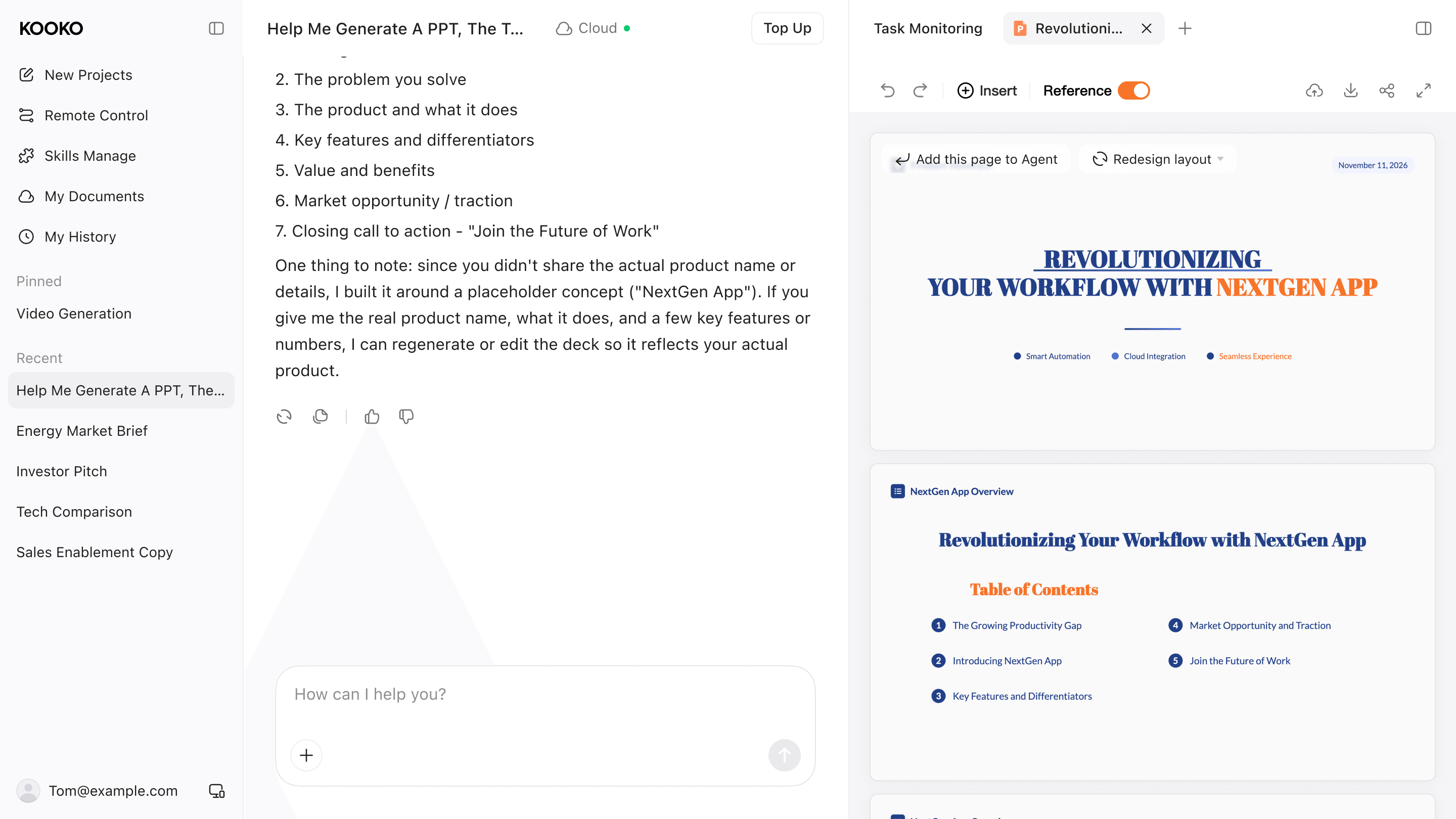
It can take hours creating a presentation manually. You have to start by collecting all the content. Then, you have to collect important details from it. You also have to repurpose and sharpen it to meet the needs of a professional presentation. Last but not least, you will also need to spend time on the design and visuals for each slide separately.
[Kooko](https://kooko.ai/) is a leader among the **AI content tools for WordPress**. It brings the entire content repurposing process into a single workspace. Instead of switching between different AI tools, you can turn your existing content into a presentation from the same platform.
The Kooko Slide Agent organizes your content into a clear structure and presents it in a format that is ready to use and share. The interface is straightforward, so there isn't much of a learning curve.
So, if there is a product launch, a training session or a client meeting, Kooko will help you move from a webpage to a polished presentation without making the process feel complicated.
Keep reading
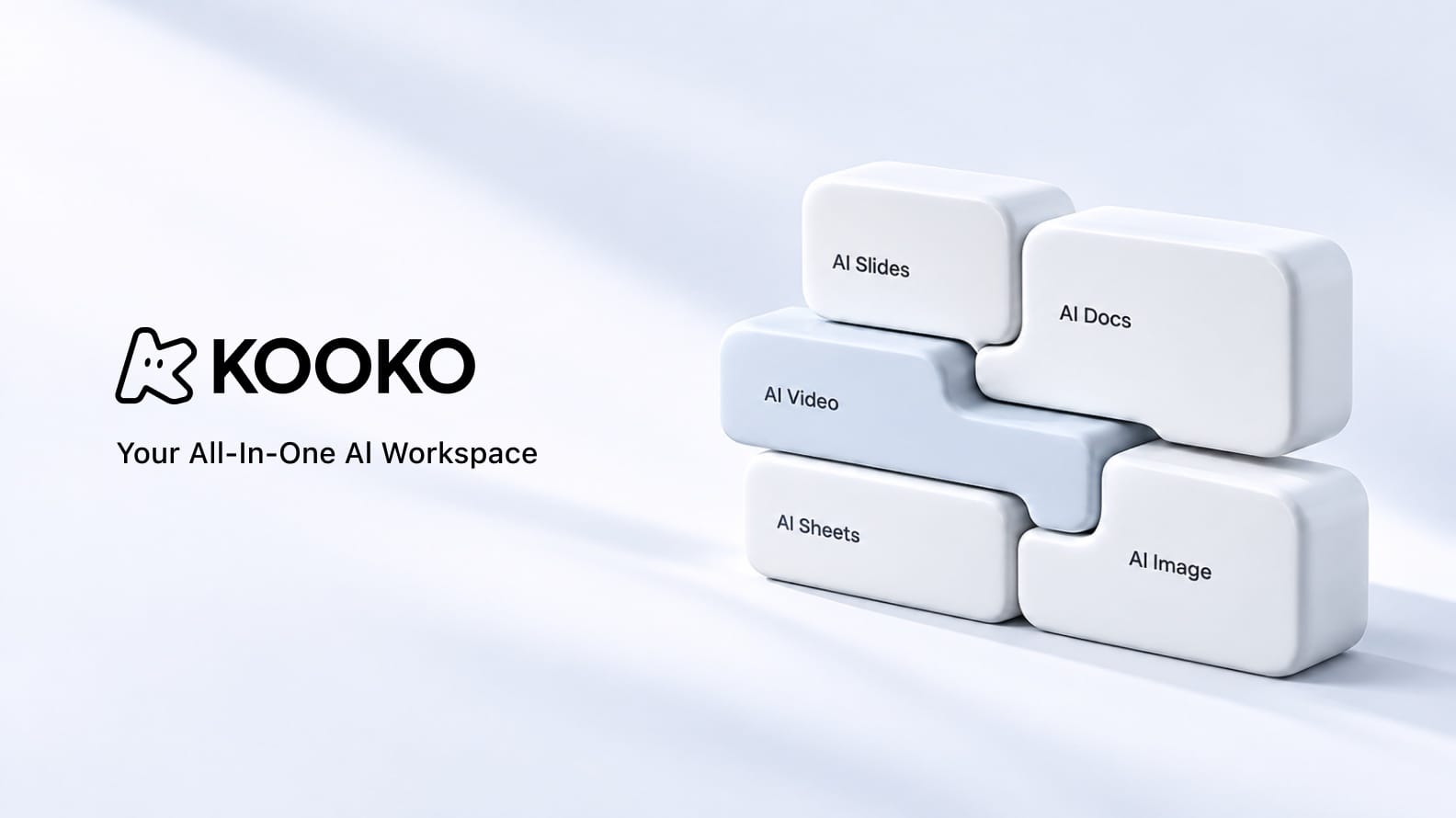
How Kooko Is Building an All-in-One AI Workspace for Modern Creators
Sebastian Cole2026-11-11
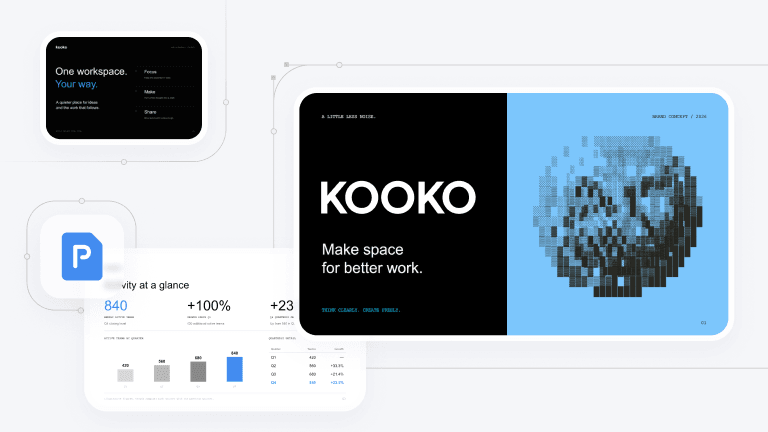
Best AI Presentation Design Tools for Polished, Editable Decks in 2026
Theodore Grant2026-11-11

Best AI Video Generator for Short Clips in 2026: Kooko AI and 9 Alternatives Compared
William Foster2026-11-11