


Amelia Brooks 2026-11-11 6 Min Read
Why Businesses Are Replacing Multiple AI Tools with an AI Workspace
Imagine your team trying to finalize an urgent project on a Friday afternoon. Your lead strategist pulls market research in one tab and drafts copy in another. Meanwhile, someone else generates visual slides in a third—constantly copy-pasting text across apps while formatting breaks and focus dissolves.
On top of managing half a dozen monthly software invoices, this endless app-switching silently drains billable hours and kills momentum. More teams are walking away from this fragmented setup simply because juggling disconnected tools slows down delivery. Switching to a single [AI workspace for business](https://kooko.ai/) fixes the headache, putting research, drafting, and asset creation into one central hub.
## Part 1. The Problem with AI Tool Fragmentation
When teams adopt separate AI apps for individual tasks, they quickly hit an operational wall. The issue goes far beyond paying multiple subscription bills or keeping a messy browser window open. The real breakdown happens in how work actually moves through a company.
### 1. Lost Context Most point solutions operate in complete isolation. An AI application used for drafting reports has no memory of the competitor data or customer research you just gathered in a separate research app. Because these systems cannot talk to each other, team members spend substantial time re-typing prompt instructions, pasting brand guidelines, and re-explaining basic project background every time they open a new tool.
### 2. Inconsistent Output Using standalone software for text, graphic creation, and slide building often leads to inconsistent output. Copy drafted in one platform might sound polished and formal, while visuals generated in another feel completely out of sync. Merging these disconnected pieces requires heavy manual editing and constant oversight just to keep deliverables looking cohesive.
### 3. Admin & Security Risks Managing a scattered stack of software creates ongoing work for operations and IT leads. Teams must track separate user permissions, monitor vendor updates, and reconcile floating expense receipts. Furthermore, when employees sign up for unvetted web tools to solve immediate tasks, sensitive business notes and project data get scattered across unsecured platforms.
Instead of speeding up delivery, fragmented software setups create micro-interruptions that break deep focus and drag out project timelines.
## Part 2. Why Businesses Need One Workspace
Managing digital operations across fragmented tools drains creative momentum. A unified environment brings core creation functions under one roof, allowing teams to turn raw concepts into completed assets without constantly switching contexts.
Instead of re-entering prompts across multiple platforms, staff members build on existing project data seamlessly. This centralized setup maximizes **generative AI productivity** by keeping research, text, slides, and media tightly aligned. As a result, companies cut turnaround times significantly while maintaining strict quality standards across every channel.
Research: Gathering competitive insights and market trends often takes hours of web browsing. Within a centralized workspace, integrated research tools pull real-time web data directly onto your project canvas. Team members can analyze industry reports, review competitor strategies, and summarize complex findings without leaving their draft workspace.
Because research notes remain attached to the main project file, writers and designers can reference key data points instantly. This direct access turns raw information into actionable strategies much faster than traditional bookmarking and copy-pasting.
Presentation: Building slide decks from scratch usually involves tedious layout tweaks and font adjustments. A consolidated workspace automates slide generation by transforming text outlines and research summaries into clean, visual presentations. Users can generate structured slides, edit layout themes, and refine messaging in real time.
Instead of building decks manually in separate software, sales reps and consultants can generate polished pitch decks directly from project notes. This eliminates formatting friction and ensures presentations accurately reflect project data without extra design delay.
Writing: Drafting compelling text requires clarity, structure, and speed across various content formats. Having a dedicated writing engine inside an [all-in-one AI workspace](https://kooko.ai/) enables creators to draft long-form articles, social copy, and ad scripts right alongside their source material. Writers can generate detailed outlines, adjust tone settings, and refine messaging instantly.
Built-in editing capabilities ensure copy remains clear and readable without relying on external proofreading tools. This integrated approach helps teams produce high-quality written content efficiently while keeping all project drafts centralized.
Image: Creating visual assets for campaigns often creates bottlenecks when waiting on design departments. Integrated visual generation tools solve this delay by allowing team members to produce matching graphics directly within their project canvas. Creators can prompt tailored images, create ad banners, and generate custom visuals that fit their specific copy.
Because visual tools draw context directly from written briefs, output aligns seamlessly with project themes. This streamlines graphic production, helping marketing teams produce complete visual packages without relying on third-party stock libraries.
Video: Short-form video is essential for modern marketing, yet traditional video production demands heavy software and technical skill. Unified workspaces include AI video features that turn text scripts into engaging promotional clips directly on screen.
Teams can generate quick video teasers, product walkthroughs, and social reels without switching to complex editing software. By connecting video creation directly to written outlines and visual elements, creators maintain brand consistency across formats. This helps businesses test video content faster and scale campaign reach effortlessly.
## Part 3. How Kooko Combines Everything
Rather than forcing teams to piece together separate web subscriptions, [Kooko](https://kooko.ai/) provides a single operational hub where research, writing, and visual production run on shared project memory. Instead of copy-pasting text back and forth between isolated browser windows, users generate and refine content within one interactive dashboard.
Every asset created inside the platform retains full project context, eliminating repetitive prompting and reducing admin overhead. This unified architecture positions the platform as a practical [AI productivity platform for teams](https://kooko.ai/) looking to accelerate delivery without sacrificing quality control.
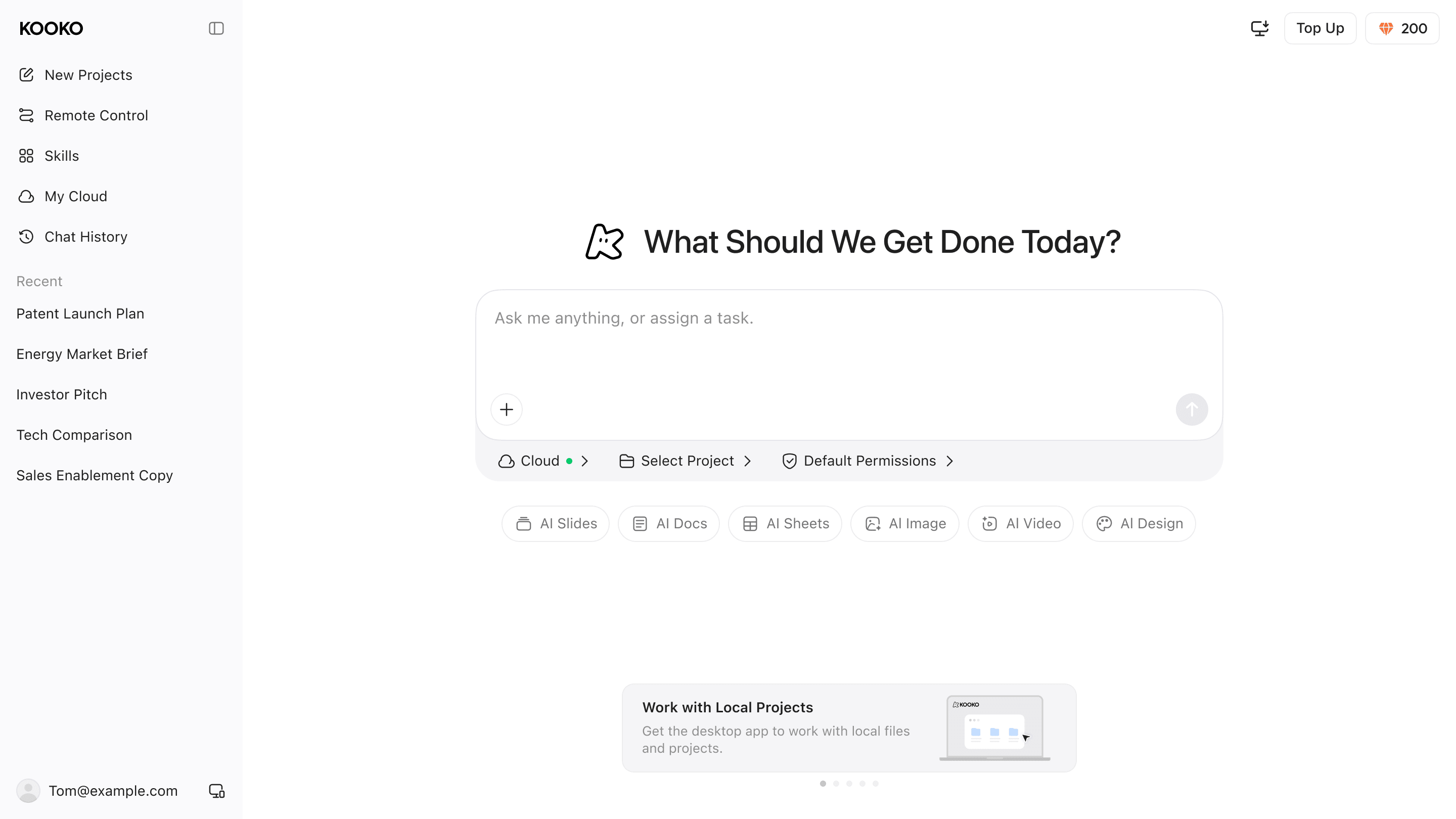
[Kooko](https://kooko.ai/)’s Deep Research engine conducts automated web searches to gather up-to-date industry stats, market trends, and competitor intelligence. The gathered findings and source links populate directly alongside your working document, giving team members instant reference points without having to leave the main workflow to manually search the web.
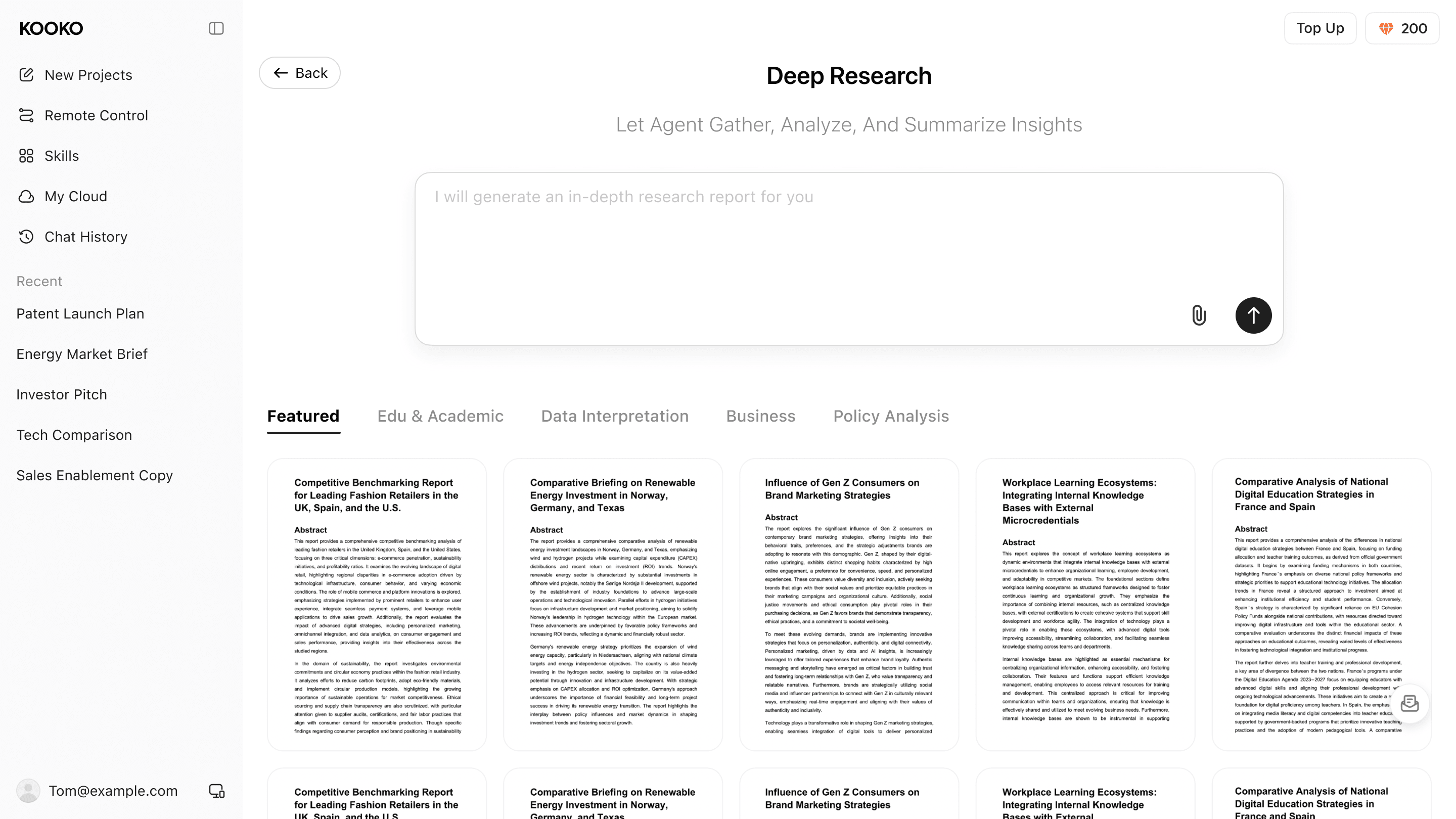
The platform’s native slides module turns structured text files directly into editable presentation decks. Instead of relying on external presentation software, teams can generate complete slide outlines, select design layouts, and tweak visual themes right inside the dashboard. This automated transition from text to visual slides removes manual formatting work completely.
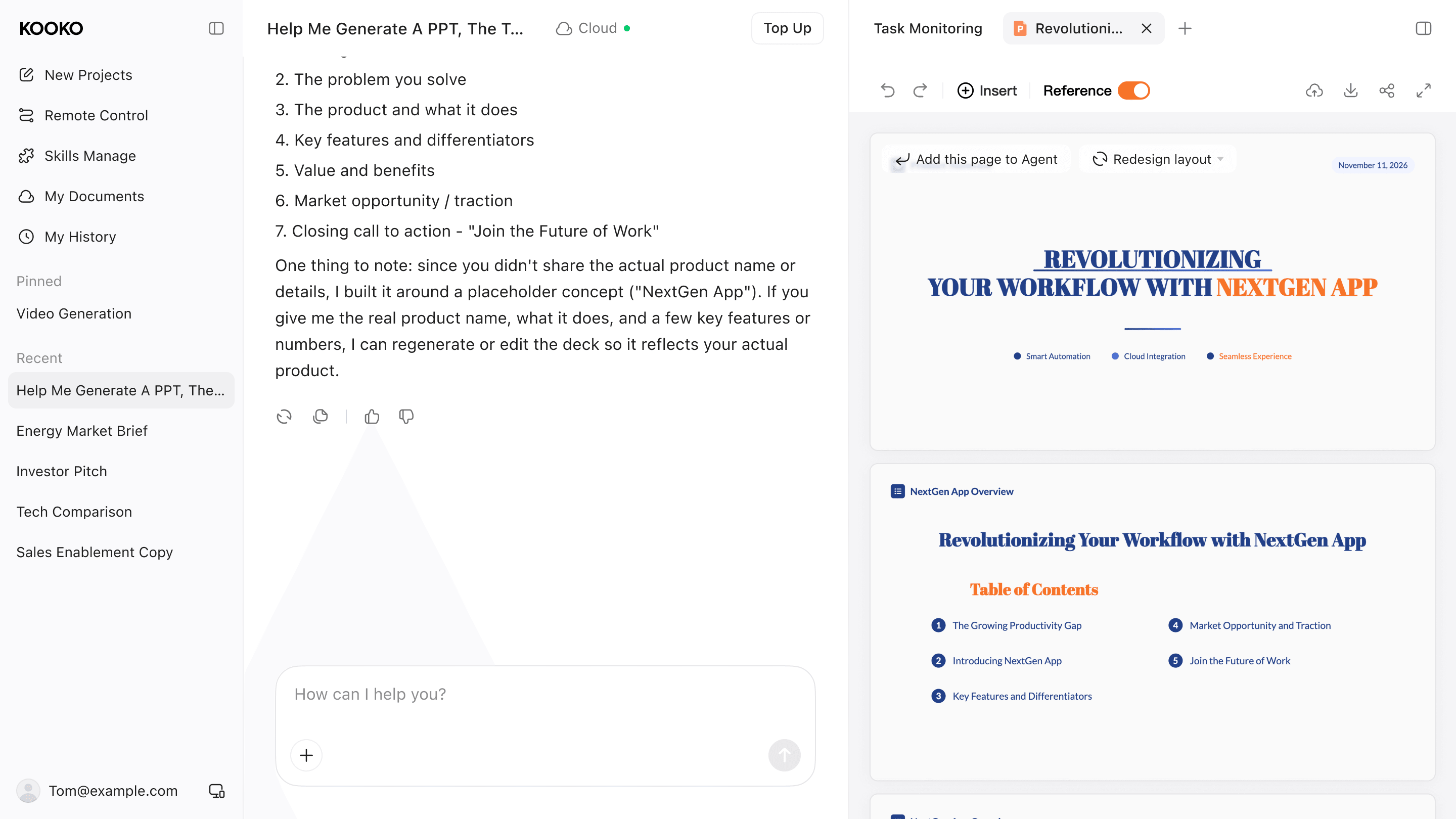
[Kooko](https://kooko.ai/) features a workspace editor built specifically for structured content generation. Users can call up AI writing tools directly inside active document canvases to outline long-form pieces, adjust tone parameters, or rewrite complex sections in real time. Because the editor draws directly from stored project data, generated drafts stay aligned with target goals without requiring manual re-prompting.
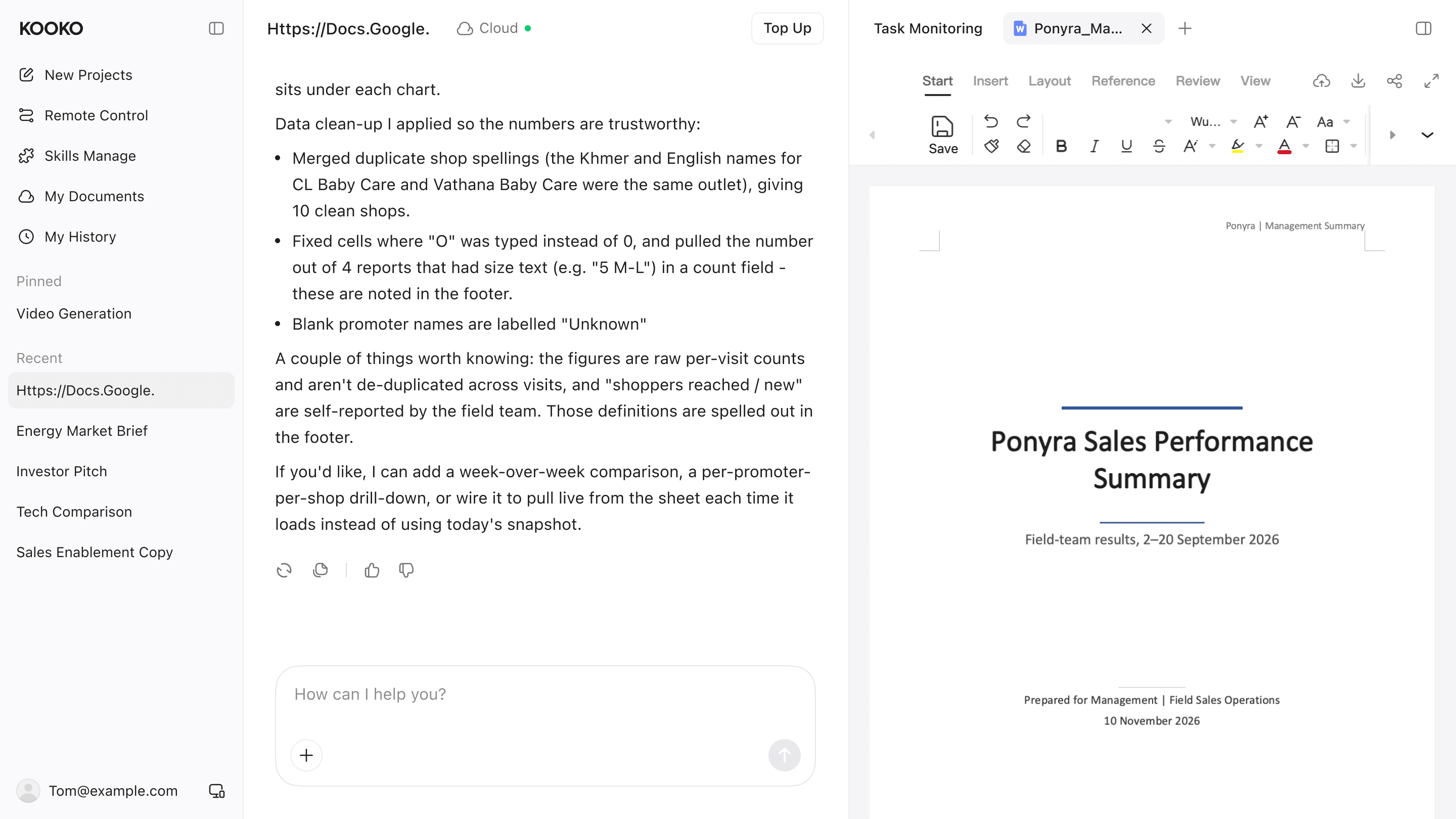
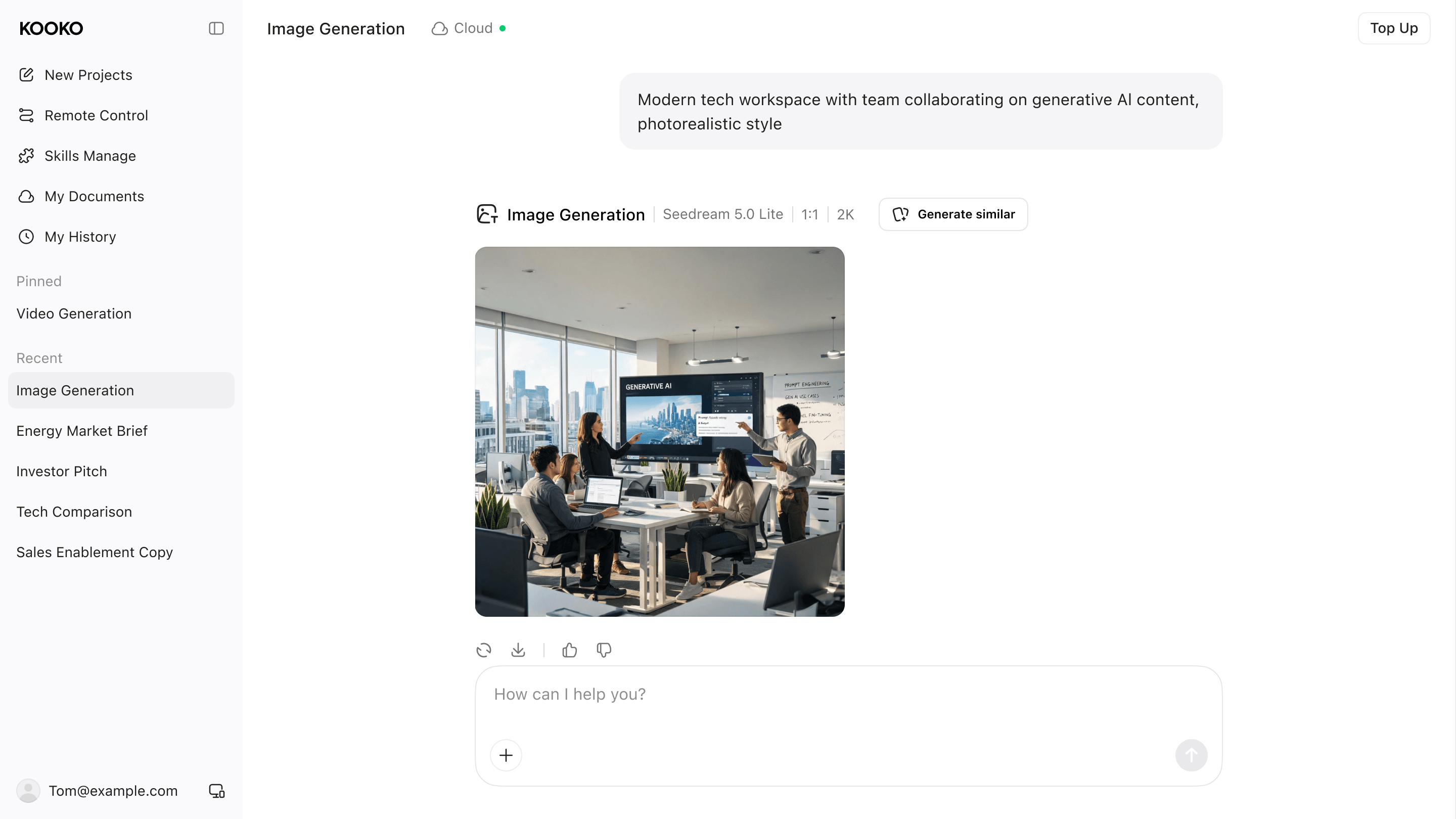
The platform integrates native text-to-image and text-to-video generators directly into the asset canvas. Users can enter visual prompts to generate campaign graphics, ad concepts, or short video clips right next to their copy drafts. This built-in engine allows teams to produce fully stylized visual assets without needing separate graphic design software.
## Part 4. Business Use Cases
Connecting research, drafting, and visual tools into a single workspace transforms how teams execute daily operations. Here is a look at how different business functions leverage an integrated AI setup to eliminate bottlenecks and accelerate output.
### 1. Marketing Campaigns Marketing teams often struggle to align ad copy, graphic assets, and promo clips across multiple promotional channels. Within a unified workspace, campaign leads can draft initial copy scripts, generate display banners, and output short video ads from a single brief. Shared context across copy and design engines maintains visual consistency and slashes overall rollout schedules, helping brands launch polished campaigns faster.
### 2. Pitch Decks & Proposals Sales representatives need tailored proposals and slide decks quickly to close key deals. By connecting live web research directly with presentation generators, reps pull client details and industry statistics into a structured outline. The workspace formats these findings into a polished deck automatically, eliminating manual layout tweaks and allowing reps to deliver client proposals in a fraction of the time.
### 3. Competitor Intelligence Strategy leads routinely monitor web sources to track competitor moves, pricing updates, and market shifts. Using automated deep research tools connected directly to a document editor, analysts gather real-time web data, synthesize key insights, and draft executive summaries on one screen. Because report drafts remain linked to original sources, leadership teams can verify facts easily and adjust strategies with confidence.
## Final Thoughts
Streamlining daily workflows no longer requires juggling a dozen disconnected subscriptions. By bringing research, writing, design, and video production into a single shared workspace, modern teams can eliminate operational friction and accelerate project delivery. Embracing an all-in-one platform like [Kooko](https://kooko.ai/) enables businesses to scale efficiently, keep project context intact, and focus on sustainable long-term growth.
Keep reading
How Kooko Is Building an All-in-One AI Workspace for Modern Creators
Sebastian Cole2026-11-11
Best AI Presentation Design Tools for Polished, Editable Decks in 2026
Theodore Grant2026-11-11

Best AI Video Generator for Short Clips in 2026: Kooko AI and 9 Alternatives Compared
William Foster2026-11-11